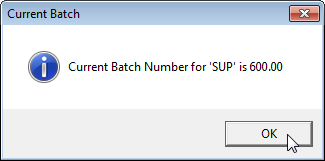
Batch ID's
The system automatically assigns a batch number to each user each day.
-
The Batch ID is very helpful when entering payments from a large insurance check as it allows you to track a running total against the payments posted.
-
It is important that each user uses their own unique ID and Password when accessing MedInformatix to allow this auditing feature to function properly
-
It acceptable and even recommended to create multiple batch IDs per day if you experience large volumes of transactions
To Change a batch ID:
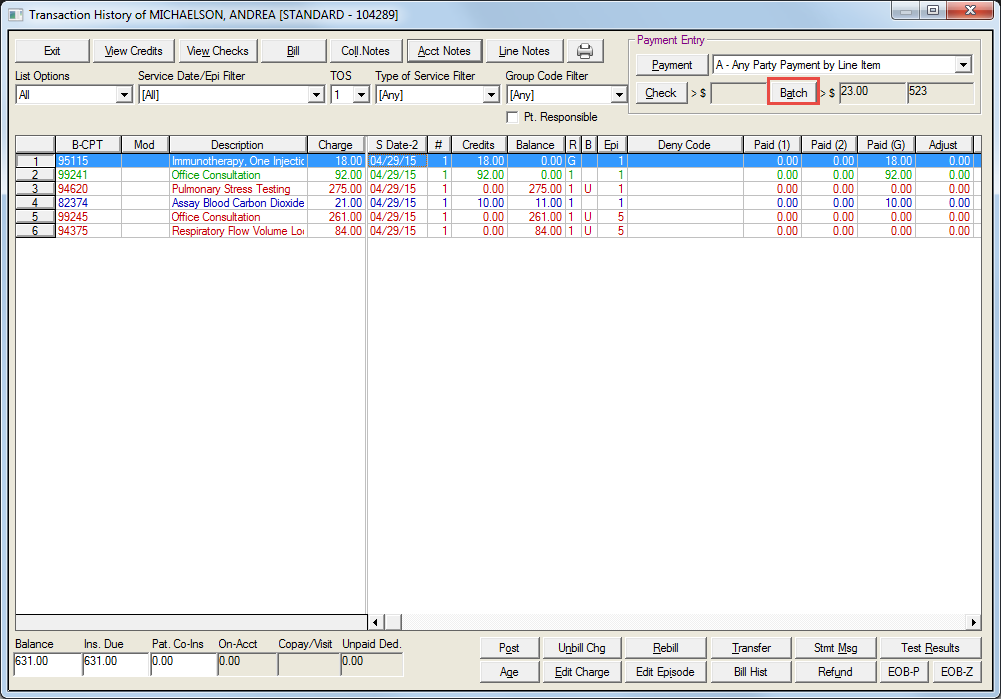
Select the desired patient in the Transaction History screen and then select the Batch button
-
See Payment Overview for more detail on the Transaction History Screen
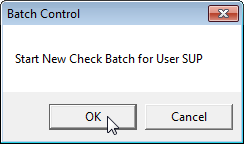
Click OK to create a new Batch number
View the new Batch number and click OK