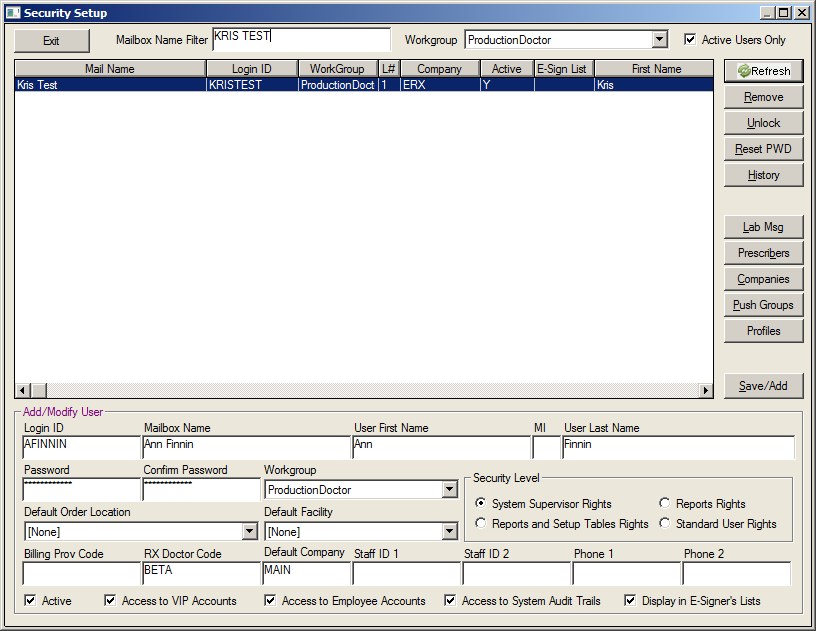
Security Setup Search
Overview
In the Security Set-up screen, when inputting search criteria into the Mailbox Name filter, one has to mouse-click 'Refresh' and view the results.
What's New
Now, the user has the ability to press the <Enter> and/or <tab> to refresh using the filter.
Instructions
Click the Security tab on the Main Menu screen.
Click Security Setup from the dropdown list.
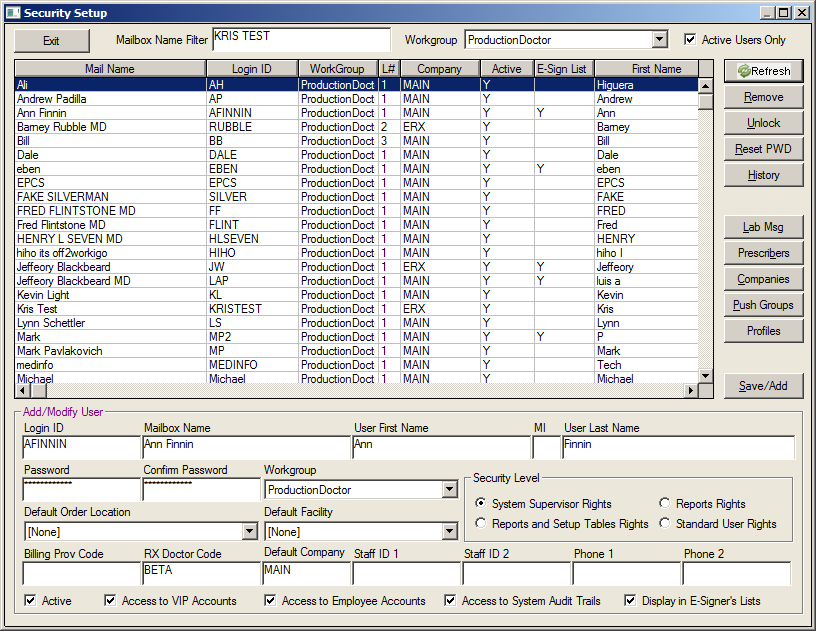
Enter the desired name into the Mailbox Name Filter.
Click the Enter key or the Tab key. The search results will appear in the field.