Assign a Patient to a Room
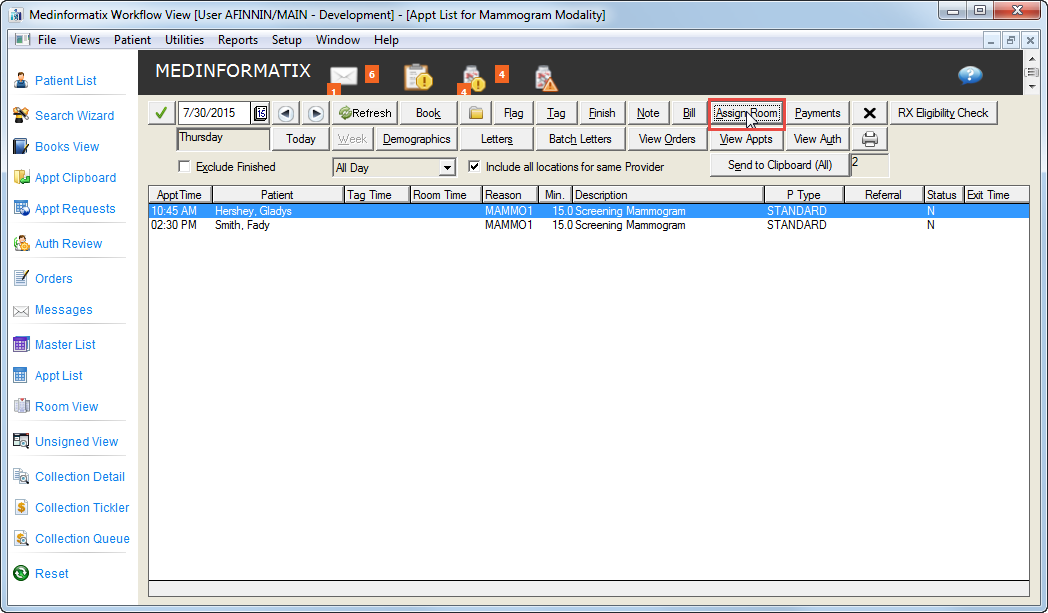
Select the desired patient from the Appt List by clicking on it once, then select the Assign Room button
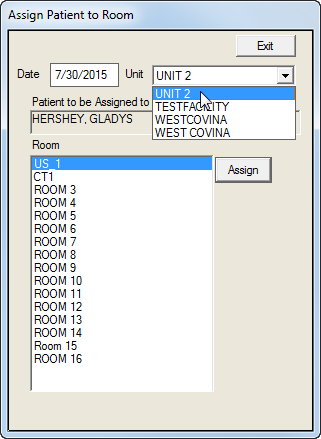
Select the appropriate Unit from the Unit field drop down list
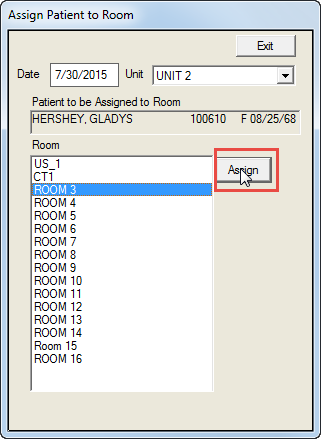
Select a room from the Room list and click the Assign button
-
The room time will now be populated on the Appt List screen
.bmp)