12 –PRESCRIPTION SUBMISSION METHODS
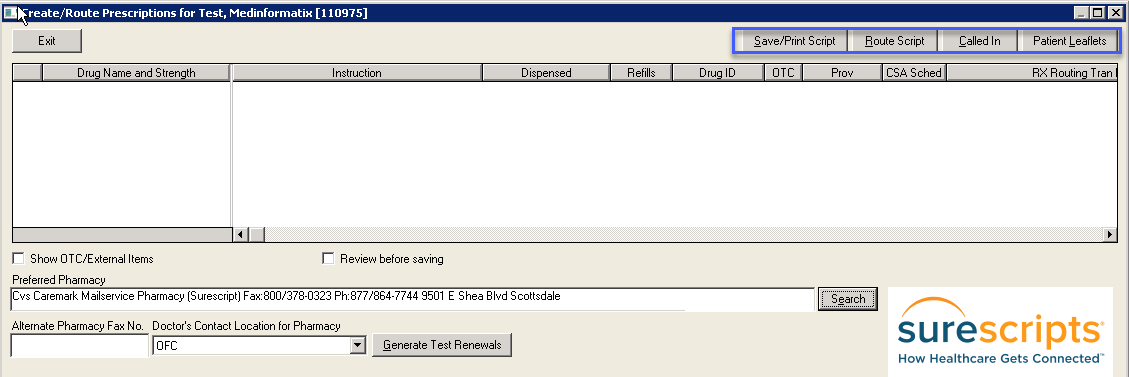 Save/Print Script will save and print the prescription. Select Show OTC/External Items to display and print Manually Added Medication. See Section 16 - Rx Print Instructions.
Route Script will electronically route the medication.
Called In indicates a User Called In the prescription to the pharmacy.
Patient Leaflets can be printed and given to the Patient for informational purposes.
Doctor Contact Location for Pharmacy is based upon the location where the Prescriber is registered for SureScripts. This should be changed based on the location where the prescription is being routed.
PRESCRIPTIONS ROUTING PROCESS
When a prescription leaves MedInformatix a Routing Transaction ID is created.
NewCrop then receives the prescription and checks it for errors.
It is then forwarded to SureScripts where it is again checked for errors.
It is then sent to the Pharmacy for dispensing.
If an error is found by any party, it is returned to MedInformatix.
If a Prescription fails, the Prescriber, not the route User, will be notified via MedInformatix Message
If the Prescription does not leave MedInformatix, no Message will appear.
Prescriptions can be resent multiple times for 24 hours if not received by any party.